
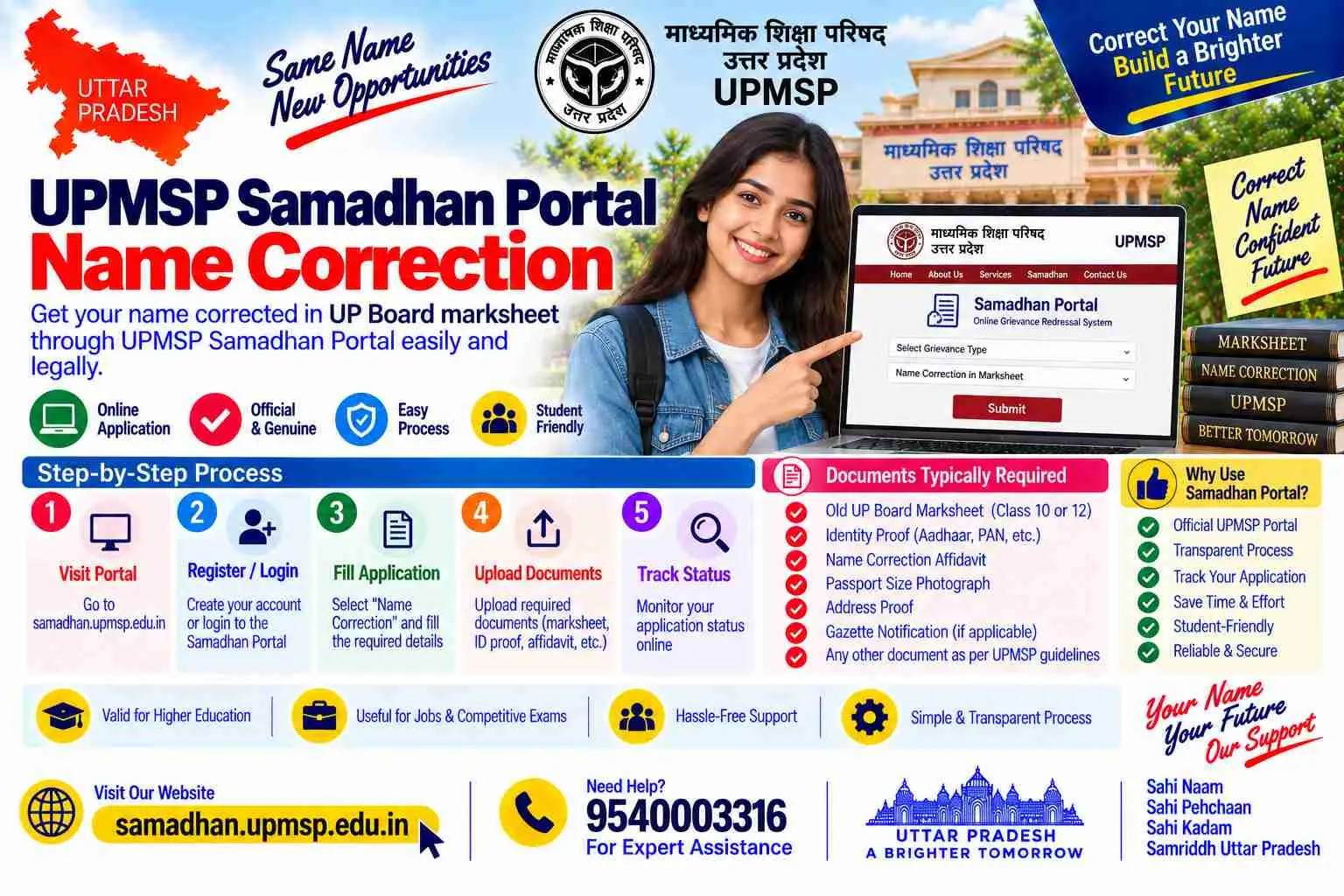
Quick answer: Samadhan is the Board's service portal, not a self-service correction form. It carries corrections, duplicate marksheets, revised certificates, migration certificates and scrutiny requests, and it is where an application lives and is tracked once filed. What it does not offer is a student-side submit button for a marksheet correction, because that submission is made by your school Principal. Your practical use of the portal is: know which services exist, prepare uploads that will not be rejected, get the application number from your school, and track it.
Almost everything written about this portal describes a registration flow and then stops, which is why so many people complete registration and immediately conclude something is wrong with the site. The registration works. The dashboard works. What is missing is the thing they were told to expect, and it was never there. This page is the honest version: what the portal is genuinely for, what it will and will not let you do, and how to get past the four screens where people actually get stuck. The wider process, the school chain and the documents, is on our main correction guide.
Samadhan at a Glance
| What it is | The Board's service portal, at samadhan.upmsp.edu.in |
| Who submits a correction | Your school Principal, not you |
| What you get from it | Service information, upload preparation and status tracking |
| Services listed | Corrections, duplicate marksheet, revised certificate, migration certificate, scrutiny |
| The number that matters | Your application number, obtained from the school |
| Published timelines | Stated per service, roughly 30 working days for modified documents |
| The other portal | Janhit, for the time-bound service guarantee route |
| Fee for a name correction | Around Rs 1,000 |
Key Takeaways
- The absence of a student submit button for marksheet corrections is the portal behaving correctly, not a fault.
- Samadhan covers more than corrections, so check the service list before assuming you need a different office for a duplicate or migration certificate.
- Uploads fail more often for clarity and size than for anything substantive, and a rejected upload costs a school visit.
- Your application number is the only reliable way to track a file, so ask for it the day the school submits.
- Portals get redesigned; the stable parts are the service list, the school-side submission and the application number, so build your habits around those.
Getting Unstuck: Quick Facts
| Registered, no apply option | Expected; corrections are submitted by the school |
| OTP not arriving | Check the mobile number linked to the record, and try off-peak |
| Password forgotten | Reset with the registered mobile or email on the login screen |
| Dashboard shows nothing | Usually means nothing has been filed for you yet |
| Upload rejected | Rescan at a higher clarity, within the stated size limit |
| Status unchanged for weeks | Note the date and escalate in writing with the application number |
| Cannot find your application | Confirm with the school which portal it was filed on |
| Site slow after results | Genuine load; try early morning or late evening |
Table of Contents
- What Samadhan is actually for
- The services on it, beyond corrections
- Why there is no apply button for you
- Uploads: the rules that get files rejected
- Tracking, and what the statuses mean
- The six problems people get stuck on
- What stays true when the portal changes
- Central Gazette name change: step by step
- Areas we serve
- Related guides
- Why choose our office
- FAQs
What Samadhan Is Actually For
Think of it as the Board's counter, moved online. Before it existed, every request, a correction, a duplicate marksheet, a migration certificate, meant paperwork moving physically between a school, a district office and the Board, with no way to see where it had reached. Samadhan replaced that with a single place where services are listed with their requirements and stated timelines, applications are filed and carried digitally, and status can be checked by anyone holding the application number.
What it deliberately did not change is who is allowed to certify that you are who you say you are. Your school holds the admission and scholar registers from which the Board's record was originally built, so the school remains the entity that verifies and submits. Reading the portal as a form to fill leads to frustration; reading it as a window into a process that runs through your school is accurate and much less annoying.
The Services on It, Beyond Corrections
| Service | When you need it |
|---|---|
| Marksheet and certificate correction | Name, parent's name or other entry printed wrongly |
| Duplicate marksheet or certificate | Original lost, damaged or destroyed |
| Revised or modified certificate | Where a corrected document is reissued after approval |
| Migration certificate | Moving to a university or board outside the state |
| Scrutiny | Recheck of marks, which is a different matter from a name correction |
Two practical uses people miss. If your original marksheet is lost as well as wrong, the duplicate and the correction are separate requests and the order matters, so ask the school which to file first. And a migration certificate carries your name too, which means a migration issued before your correction will carry the old name and may need reissuing afterwards. Sorting the sequence before filing anything saves a repeat.
Why There Is No Apply Button for You
This deserves stating plainly because so much time is lost to it. You can register on the portal, you can log in, and you will reach a dashboard. What you will not find is a student-side option to submit a marksheet name correction, and that is by design rather than by failure. The Principal submits, after you apply at the school in person with your documents, and the file then travels to the DIOS for countersignature and on to the Board.
So the sequence that actually works is: assemble documents, go to the school, get the application filed, ask for the application number and which portal it went to, and then use Samadhan for tracking. Anyone offering to submit a correction for you directly on the portal, without your school, is describing something that does not exist.
Uploads: the Rules That Get Files Rejected
Upload problems are boring and they cost real time, because a rejected document usually means another trip to the school. The pattern is consistent enough to prepare for.
- Clarity beats resolution: a flat, evenly lit scan of the whole document reads better than a high-resolution photograph taken at an angle with a shadow across it.
- Whole document, straight edges: crop to the document, not into it. Cut-off corners and missing headers are a common rejection.
- Within the size limit: the portal states one; compress rather than exceeding it, and check the file still reads clearly after compressing.
- Correct format: use the format the portal asks for rather than converting from something else and hoping.
- One document per upload slot: do not combine your marksheet and Aadhaar into a single file to save a slot.
- Colour where the original is colour: a greyscale scan of a document with a coloured seal loses the thing that makes it look genuine.
A habit worth adopting: prepare all your scans before going to the school, on a pen drive and in your email. The Principal's office is not a scanning centre, and arriving with clean files ready to upload removes the single most common reason a submission is postponed to another day.
Tracking, and What the Statuses Mean
Tracking is the portal's most genuinely useful function for an applicant, and it needs one thing: the application number. Without it you cannot look anything up, and asking the school weeks later means asking someone to search their own records. Get it on the day, photograph the acknowledgment, and store it somewhere that is not only your phone.
| What you see | What it usually means | What to do |
|---|---|---|
| Submitted or pending at school level | Filed, but not yet forwarded onward | Follow up with the Principal's office |
| Forwarded or pending at district level | With the DIOS for countersignature | Wait, then follow up in writing with dates |
| Under process at Board | The Board's own clock is running | Allow the stated service period before chasing |
| Query raised or objection | Something in the file is insufficient | Find out exactly what, and strengthen rather than resubmit identically |
| Approved or issued | The corrected document is being prepared or is ready | Ask the school how collection works |
| Nothing found | Wrong number, or filed on the other portal | Confirm both with the school |
The Six Problems People Get Stuck On
Registered, but no way to apply
Expected behaviour. Marksheet corrections are submitted by the school. Use the portal for service details and tracking instead.
OTP does not arrive
Check which mobile number is linked to the record you are using, since an old number is the usual cause. Try again outside peak hours, particularly in the weeks after results when load is heavy.
Password forgotten
Use the reset option on the login screen with your registered mobile or email. Note the new one somewhere durable; people reset the same account repeatedly.
Dashboard is empty
An empty dashboard usually means nothing has been filed for you yet, rather than that your file vanished. Confirm with the school whether submission has actually happened.
Application number not found
Either a digit is wrong, or the application was filed through the Janhit route rather than Samadhan. Ask the school which portal and re-check the number against the acknowledgment.
Status has not moved in weeks
Note the submission date and the current date, then escalate in writing with the application number, rather than making repeat verbal enquiries. Our escalation guide covers the DIOS route.
What Stays True When the Portal Changes
Government portals get redesigned, menus move and screens are renamed, which is why a guide written around button positions is out of date within a year. These are the parts that have held steady and are worth building your habits around:
- The school submits, you do not: whatever the interface looks like, the verification authority is unchanged.
- The application number is the key: every tracking system, past or future, is built around it.
- Documents are checked before they are considered: a clean scan of a complete document set is never wasted work.
- Published timelines are a baseline: useful for escalation whether or not they are met.
- Two routes exist: the Board's own service portal and the time-bound guarantee route, so always ask which one your file is on.
If a screen on this page no longer matches what you see, the underlying process is almost certainly still the same. Ask your school two questions, which portal and what is the application number, and you are back on track regardless of how the site looks.
Central Gazette Name Change: Step by Step
Our core service: where the Board treats your case as a change rather than a correction, it will want a gazette notification in the file the school uploads. This is the filing our office runs from Lucknow every week.
Swear the affidavit
Notarised on stamp paper with the name on the marksheet, the name you will use, your address and the reason, in your own district.
Publish two newspaper advertisements
One Hindi daily of your district (Dainik Jagran, Amar Ujala or Hindustan) and one English paper, complete original pages kept flat.
Type the proforma and prepare the CD
Two typed copies with two witnesses giving their signature, full name and address, and the CD carrying the declaration as typed Word text.
Pay Rs 1,100 on BharatKosh
Before dispatch, with the printed receipt going into the envelope as an enclosure.
Courier the file to Civil Lines
Tracked dispatch to the Department of Publication, Delhi 110054, with your phone and email on the covering letter.
Download and hand a clean scan to the school
Publication in 25 to 45 days, free download, and a properly prepared scan for the portal upload rather than a photograph of a printout.
Uploading a Gazette to the Portal
One specific point, because it is where gazette-backed applications stumble at the last step. The notification you download is a whole issue PDF, often many pages, and portals have size limits.
Extract rather than re-scan. Pulling two pages out of the original PDF keeps the text sharp and the file small, whereas printing and rephotographing produces exactly the blurry upload that gets rejected. Keep the complete issue as your master copy regardless, as our download guide explains.
Gazette Fees, Time and the File
| Board correction fee | Around Rs 1,000 per application |
| Affidavit | Rs 100 to 500 including stamp paper and notary |
| Adult gazette fee | Rs 1,100 on BharatKosh, only where the case is a change |
| Newspaper advertisements | A few hundred rupees per paper, edition-dependent |
| Publication window | 25 to 45 days after the Department receives the file |
| Board service period | Roughly 30 working days for modified documents |
| Our service | Basic from Rs 999, Complete from Rs 1,999, quoted separately |
The Department's checklist in one line: covering letter with phone and email, affidavit (notarised), newspapers (both, original, whole pages), proforma (typed, two copies, applicant plus two witnesses), CD with signed declaration, photo ID, address proof, photographs, BharatKosh receipt.
Before You Apply: Check These
- Prepare every scan before the school visit, on a pen drive and in your email, rather than expecting the office to scan for you.
- Ask for the application number and the portal name on the day of submission, and photograph the acknowledgment.
- Where a gazette is involved, extract the two relevant pages from the original PDF instead of photographing a printout.
- Check the service list before assuming a duplicate or migration certificate is a separate office's job.
After the Gazette: What Updates Next
Once the corrected marksheet issues, the education chain continues: the other class if both were affected, then the university degree and any professional registration. Outside education the usual counter order applies, starting with Aadhaar. Keep the gazette, the old documents and the corrected ones together, since a verifier occasionally wants to see the whole link rather than the outcome alone.
What Other Websites Get Wrong
- Wrong: register on Samadhan and apply for your correction. Right: registration works, but the correction is submitted by your school.
- Wrong: an empty dashboard means the portal lost your file. Right: it usually means nothing has been filed yet.
- Wrong: Samadhan only handles corrections. Right: duplicates, revised certificates, migration and scrutiny are on it too.
- Wrong: any photograph of a document will upload. Right: clarity, complete edges and the size limit decide acceptance.
- Wrong: an agent can submit on the portal for you. Right: no route exists that bypasses the school's submission.
Areas We Serve in Uttar Pradesh
The portal is the same statewide, which makes this the one part of a board correction that does not depend on where you are. We prepare upload-ready files and track applications for clients across all 75 districts, most often these:
| Rohilkhand and Bundelkhand | Bareilly, Moradabad, Rampur, Shahjahanpur, Budaun, Pilibhit, Bijnor, Amroha, Jhansi, Banda, Mahoba, Chitrakoot |
| Awadh and central UP | Lucknow, Kanpur, Unnao, Raebareli, Sitapur, Hardoi, Barabanki, Lakhimpur Kheri, Sultanpur, Ayodhya, Amethi, Bahraich |
| Purvanchal and eastern UP | Varanasi, Prayagraj, Gorakhpur, Azamgarh, Jaunpur, Ballia, Deoria, Mirzapur, Basti, Ghazipur, Mau, Sonbhadra |
| Western UP and NCR | Noida, Greater Noida, Ghaziabad, Meerut, Agra, Aligarh, Mathura, Bulandshahr, Muzaffarnagar, Saharanpur, Hapur, Firozabad |
What does vary is how quickly a particular school office moves, which is why the written application and the application number matter more than proximity. Our chamber is at Chamber No. 19, Sadar Tehsil, Sector 5, Gomti Nagar Vistar, Lucknow 226010, with the city guide on our Lucknow page. Call 9540003316 or WhatsApp 9540005002 from any district.
Related Guides on This Site
Every guide here is part of one connected map, so whichever counter your case lands at next, the page for it already exists:
- the main UP Board correction guide: the approval chain, documents and fees.
- Class 10 and Class 12 corrections: why order matters and why it is four documents.
- education records correction: the pillar covering school, board and university records.
- correction versus change: the router that classifies your case in a minute.
- Aadhaar name update: fix this first if Aadhaar is also wrong.
- date of birth correction: the three-year limit and the routes that remain.
- the gazette name change pillar: the route where your case is a change.
- downloading your gazette copy: free, and how to keep it upload-ready.
- checking gazette publication: the Part IV search method.
- the full cost breakdown: government fees and service fees, line by line.
- contact the office: Lucknow office, phone and WhatsApp.
- marksheet and Aadhaar mismatch: deciding which document is wrong.
- correction versus gazette: two different jobs, and which your case needs.
- correction after many years: no deadline for names, and archived registers.
Why a Screenshot Is Usually Enough
Most portal questions we receive are answered in one message, because the screen someone is stuck on tells us immediately whether the problem is the portal, the file or a misunderstanding about who submits. We answer those free, and we say so plainly. Vipin Chauhan, B.Tech LL.B, has walked a great many clients through this.
- Send the screen, get the answer: a screenshot usually identifies the issue faster than any description.
- We prepare upload-ready scans: correctly sized, complete and clear, so nothing is rejected at the counter.
- We tell you which portal your file is on: and what to ask the school if nobody seems to know.
- We do not pretend to bypass the school: anyone claiming to submit directly on the portal is selling something that does not exist.
Associate office at Chamber No. 19, Sadar Tehsil, Gomti Nagar Vistar, Lucknow, serving all 75 districts of Uttar Pradesh, Monday to Saturday, 10 AM to 6:30 PM. Call 9540003316 or WhatsApp 9540005002.
Send Us the Screen
Uttar Pradesh Name Change
Associate Office: Chamber No. 19, Sadar Tehsil, Sector 5, Gomti Nagar Vistar, Lucknow, Uttar Pradesh 226010
Head Office: Metro Pillar 337, Hardev Nagar, Street 1, Shop No 1 (Shri Sham Documentation)
Call: 9540003316
WhatsApp: 9540005002
Email: info@uttarpradeshnamechange.com
Hours: Mon to Sat, 10 AM to 6:30 PM
Screenshot the screen you are stuck on, and tell us whether your school has filed anything yet. Most of these have a two-minute answer.
Get Call and Name Change Format
Loading the enquiry form...
Samadhan Portal: FAQs
I registered on Samadhan but there is no option to apply. Is the portal broken?
No, that is expected. Marksheet and certificate corrections are submitted by your school Principal after you apply at the school in person. Your use of the portal is for service details and for tracking once the application exists.
What services does Samadhan cover?
Corrections to marksheets and certificates, duplicate marksheets and certificates, revised or modified certificates, migration certificates and scrutiny requests, each with its own requirements and stated timeline.
How do I track my application?
With the application number your school receives on submission. Ask for it the same day and photograph the acknowledgment, because tracking without it is close to impossible.
My application number is not found. What now?
Either a digit is wrong, or the application was filed through the Janhit route rather than Samadhan. Confirm both the number and the portal with your school.
Why do my document uploads keep failing?
Usually clarity, cropping or size. Use a flat, evenly lit scan of the whole document, keep within the stated size limit, upload one document per slot, and avoid angled photographs with shadows.
My dashboard is empty. Did my file disappear?
An empty dashboard almost always means nothing has been filed for you yet, rather than a lost file. Check with the school whether submission has actually happened.
The OTP is not arriving. What should I check?
Which mobile number is linked to the record, since an outdated number is the usual cause. Also try outside peak hours, especially in the weeks after results when the portal is heavily loaded.
Can an agent submit my correction on the portal?
No. There is no route that bypasses the school's submission, so anyone offering direct portal filing for a marksheet correction is describing something that does not exist.
How long should I wait before following up?
Allow the service period published for that service, roughly 30 working days for modified documents at the Board stage. After that, follow up in writing with the application number and submission date.
I need a duplicate marksheet and a correction. Which first?
Ask the school, because the order depends on your case. They are separate requests, and filing them in the wrong sequence can mean a duplicate issued in the old name.
How do I upload a gazette notification?
Extract the masthead page and your entry page from the original downloaded PDF rather than printing and photographing it. That keeps the file small and the text sharp, and carry the full issue on a pen drive as backup.
The portal looks different from this guide. Is the process still the same?
Almost certainly. Interfaces are redesigned, but the school-side submission, the application number and the document standards have stayed constant. Ask your school which portal and what the number is, and you are back on track.
Official Sources
- The Uttar Pradesh Madhyamik Shiksha Parishad Samadhan service portal and the services and timelines published on it.
- The Board's Janhit route under the state's time-bound service guarantee.
- The school Principal and District Inspector of Schools verification chain through which applications are submitted and forwarded.
- The Department of Publication's gazette requirements, where a case is a change rather than a correction.
Facts on this page are checked against these sources and our own filing experience. Portal interfaces and fees are revised from time to time; the school-side submission, the application number and the document standards are the stable core.
The Short Version
Samadhan is the Board's service portal, covering corrections, duplicates, revised certificates, migration certificates and scrutiny, and it is where applications live and are tracked. It has no student-side submit button for a marksheet correction because your school Principal files that, and the absence is the design rather than a fault. Your useful moves are: prepare clean, correctly sized scans before the school visit, get the application number and the portal name on the day of submission, and track from there. Uploads fail on clarity, cropping and size far more than on anything substantive, and a gazette should be uploaded as two pages extracted from the original PDF rather than a photograph of a printout. When the interface changes, ask the school two questions, which portal and what number, and everything else follows.